
Use fewer full lengths and sheets
See how many configured lengths or sheets the complete job requires.
Cut planning made clear
Turn pipe, profile, or plate part lists into practical plans that use fewer configured full lengths or sheets, leave less avoidable waste, and give production measured cutting steps.
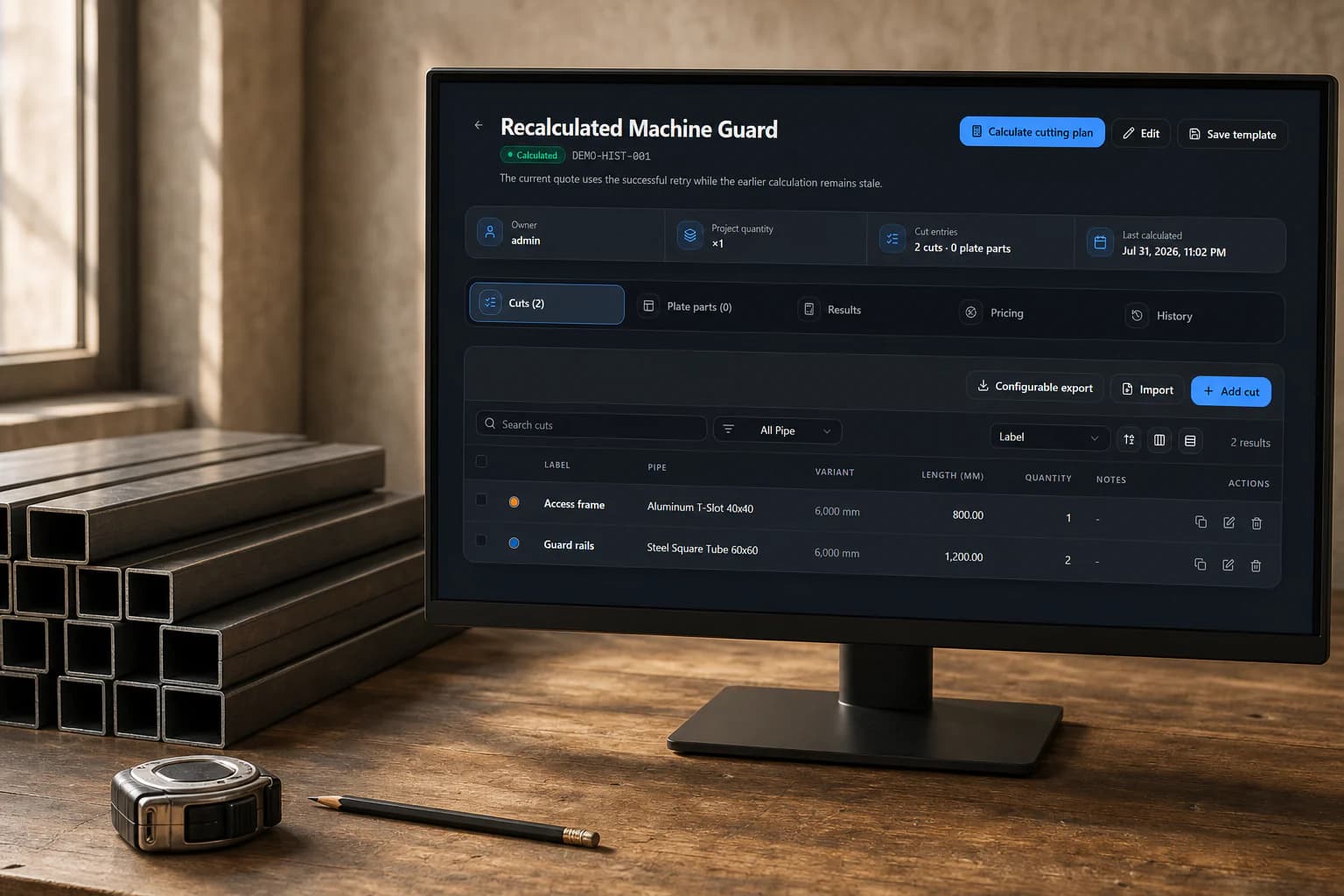
See how many configured lengths or sheets the complete job requires.
Put required parts together more efficiently and make the remaining offcut easy to see.
Give the workshop the same measured plan calculated in the workspace.
From list to production
Perfect Cut keeps each job clear from required dimensions to calculated output.
Enter lengths or plate dimensions and quantities, or bring in an existing cut list. Review every entry before planning.
Calculate machine-aware linear and plate layouts with material use and leftover area in clear view.
Move from the selected layout to measured steps and work-order files.
Material efficiency
A better arrangement can remove an entire full length from a job. Perfect Cut calculates the complete job so material use is clear before cutting.
Illustrative comparison. Actual results depend on part lengths, quantities, configured material formats, blade width, and end trim.
The real product
Build linear cuts and plate parts, keep materials and quantities visible, and calculate the plan when the job is ready.
Open workspace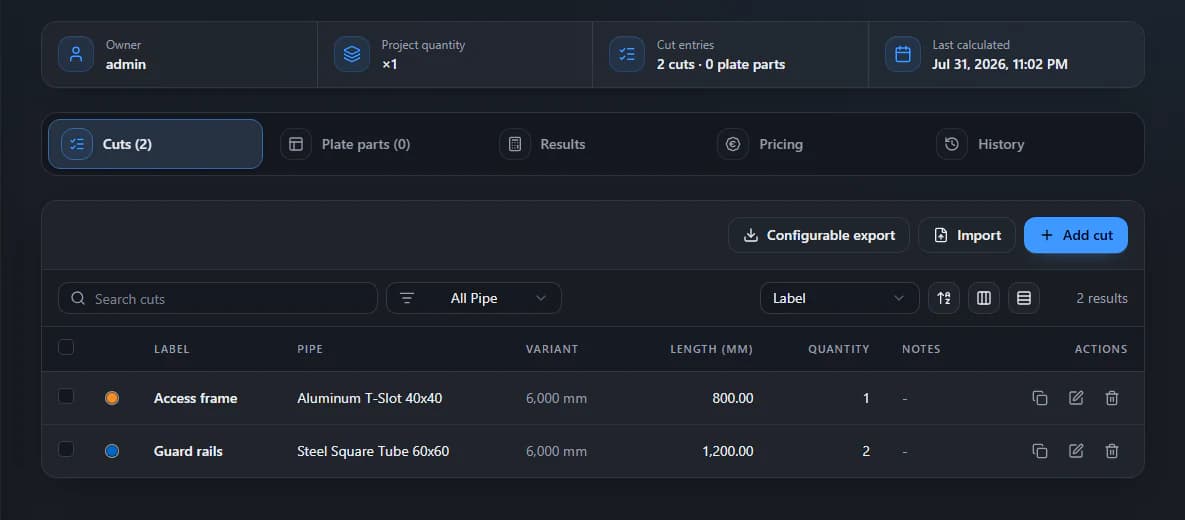
Search, sort, and review the full list without losing the job context.
Each required part keeps its material, dimensions, quantity, label, and production context.
Import, adjust, and calculate from the same project instead of rebuilding the job elsewhere.
The complete workspace
Open the part of the job you need. The project, material, plan, output, and business context stay connected.
Keep every required part together, then reuse the setup when the work repeats.
Compare practical layouts that use configured material formats and machine settings.
The selected result becomes a clear handoff without rebuilding the job in another tool.
Build a useful catalog once, enrich it with your own data, and share approved selections without losing local control.
Move from a selected result to a reviewed quote while the team can see what changed and what needs attention.
Good to know
Straight answers about what Perfect Cut plans and what your team receives.
It first accounts for every placeable part. Complete linear and plate plans prioritize fewer full lengths or sheets before lower leftover material.
Yes. One project can contain pipe, tube, bar, or profile cuts alongside rectangular sheet and plate parts. Each plan uses the configured sizes and machine settings from your workspace.
Yes. Saw and plate-machine settings carry the relevant kerf and trim allowances into layouts and measured instructions.
Yes. Import an existing list, preview and validate it, then review all entries in the project before calculating a plan.
The selected result includes a visual material layout and measured cutting steps. Work orders and configurable exports can carry the result into production.
Plan before cutting begins
Open Perfect Cut and turn required parts into a clear plan your workshop can act on.